DIY Little Red Dot ThinkPad Pointing Rod Keyboard Accessories Custom DO52/D052Pro/D042pro Geek 40%Split Keyboard Keyboard Mouse
DIY Little Red Dot ThinkPad Pointing Rod Keyboard Accessories Custom DO52/D052Pro/D042pro Geek 40%Split Keyboard Keyboard Mouse
DIY Little Red Dot ThinkPad Pointing Rod Keyboard Accessories Custom DO52/D052Pro/D042pro Geek 40%Split Keyboard Keyboard Mouse
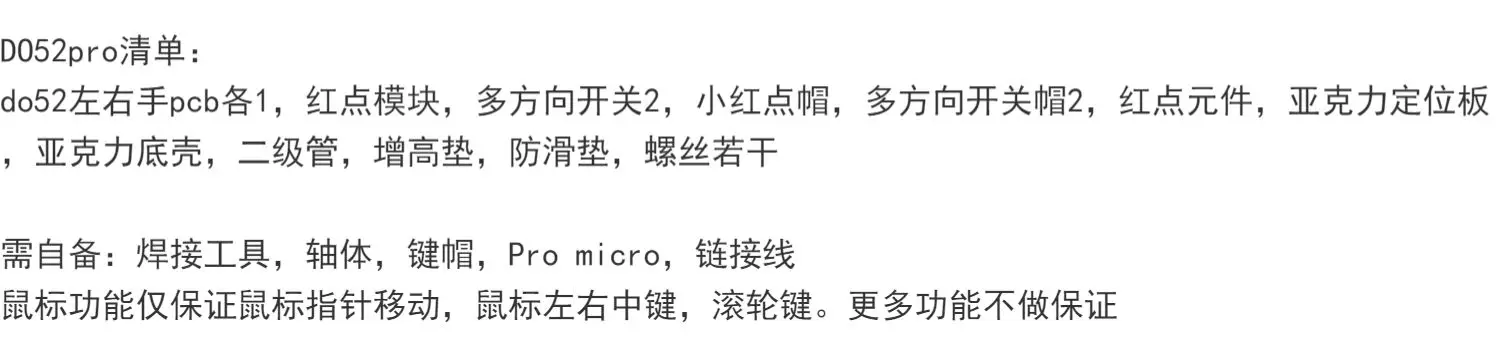
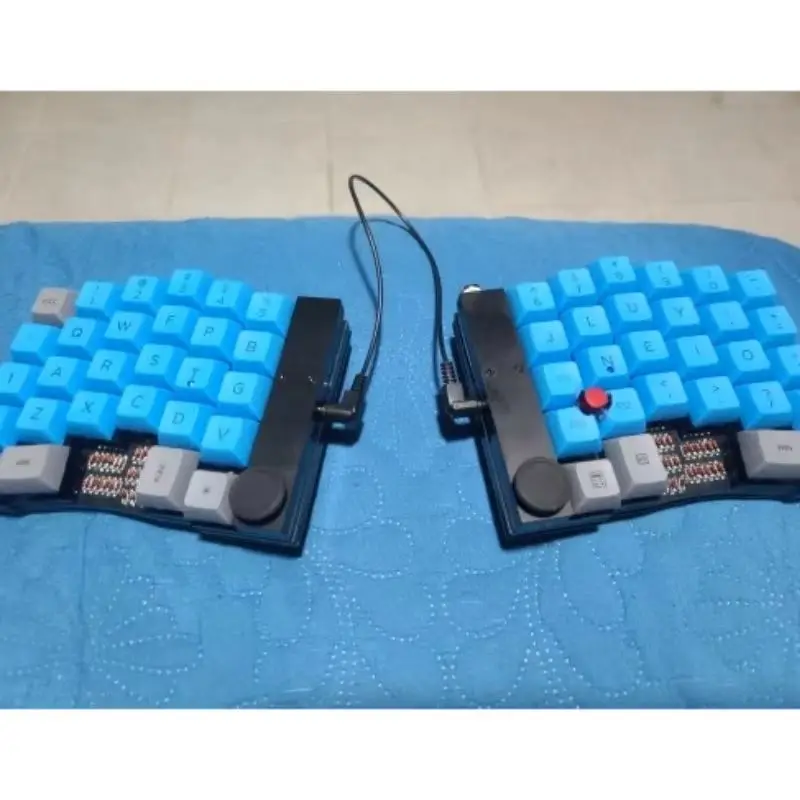
On the side of Xiaohongdian is the main hand, which is connected to the computer
D052 List:
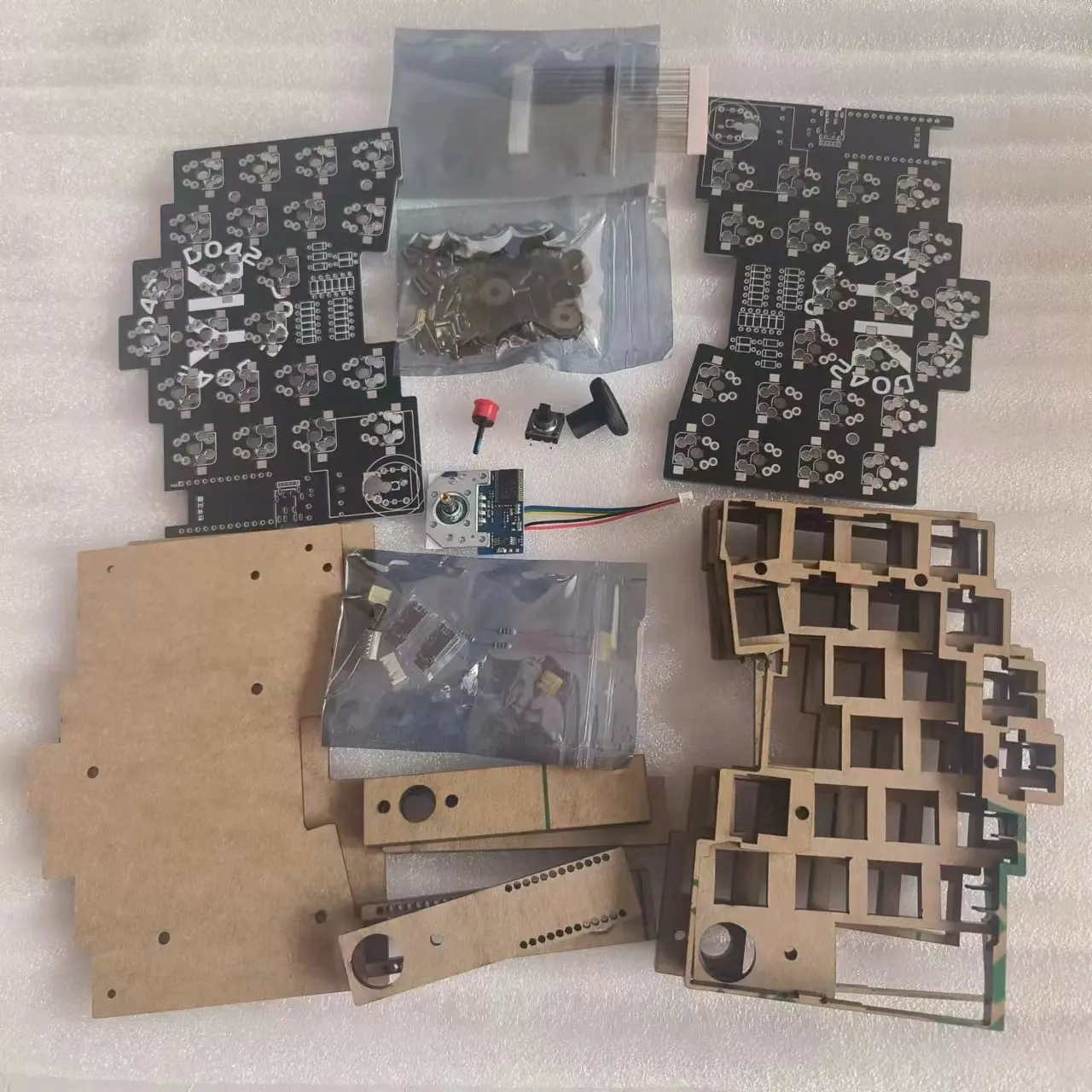
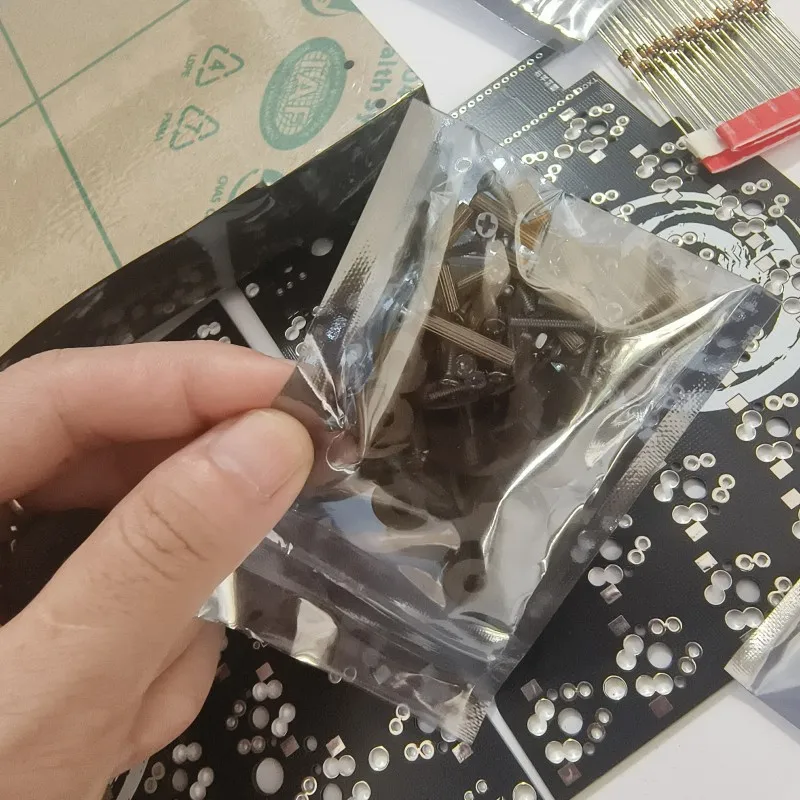
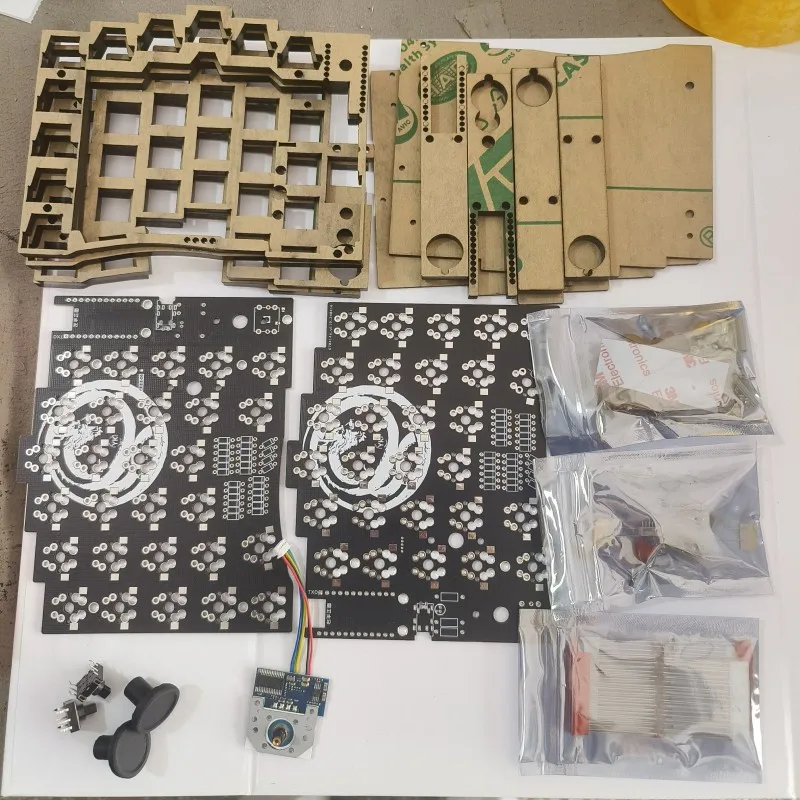
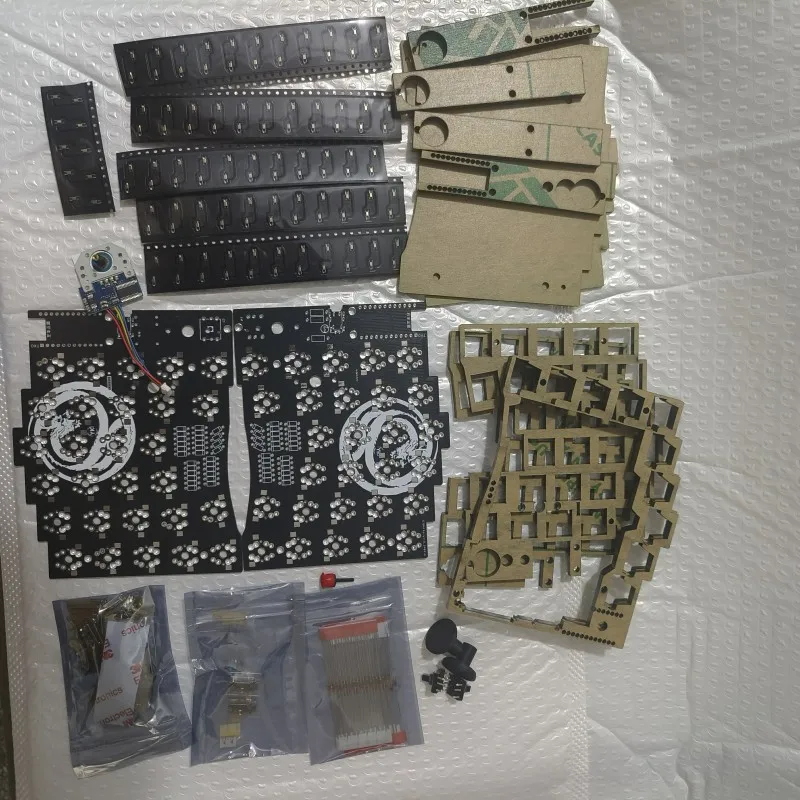
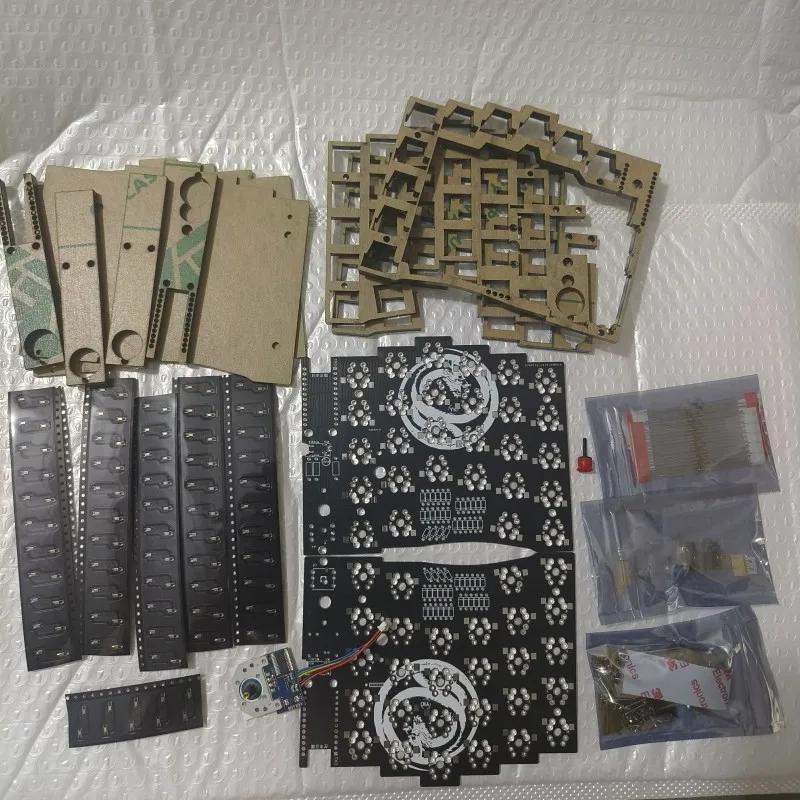
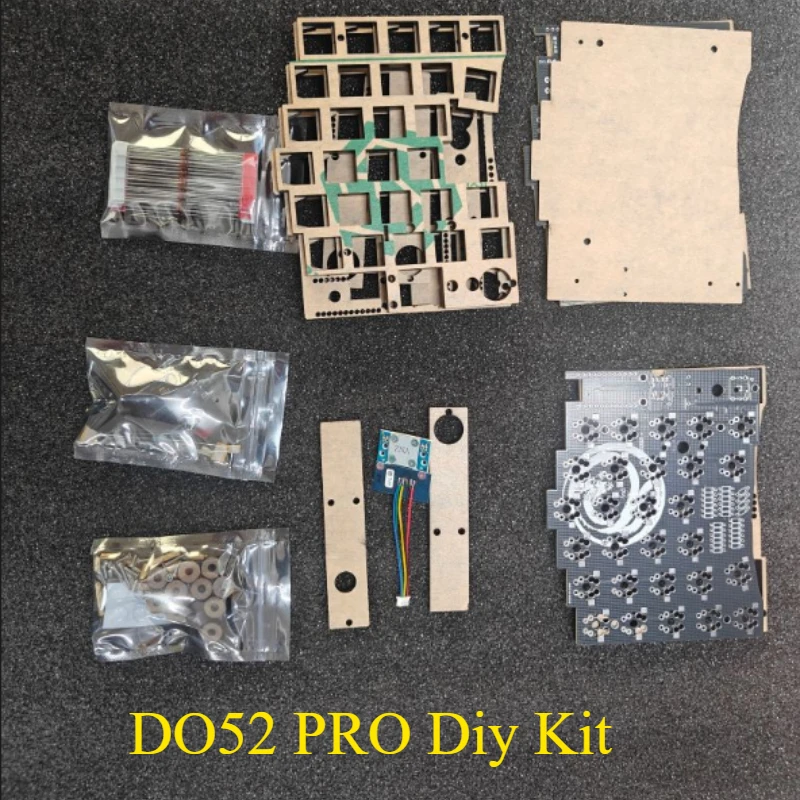
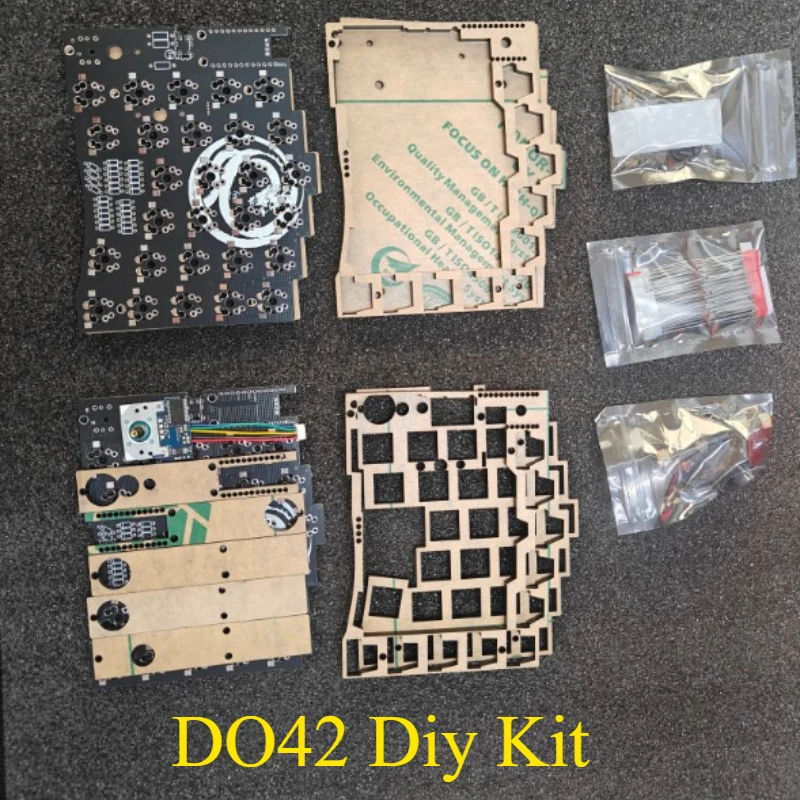
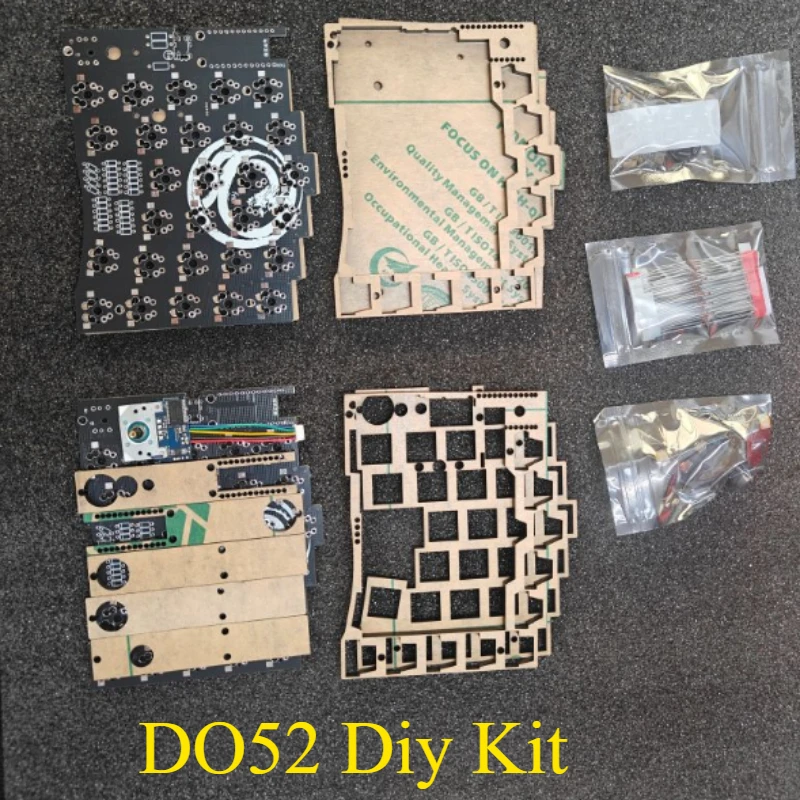
DO52 left and right hand PCBs each have 1 red dot module, multi-directional switch, small red dot cap, multi-directional switch cap, red dot component, acrylic positioning board, acrylic bottom shell, secondary tube, height pad, anti slip pad, and several screws
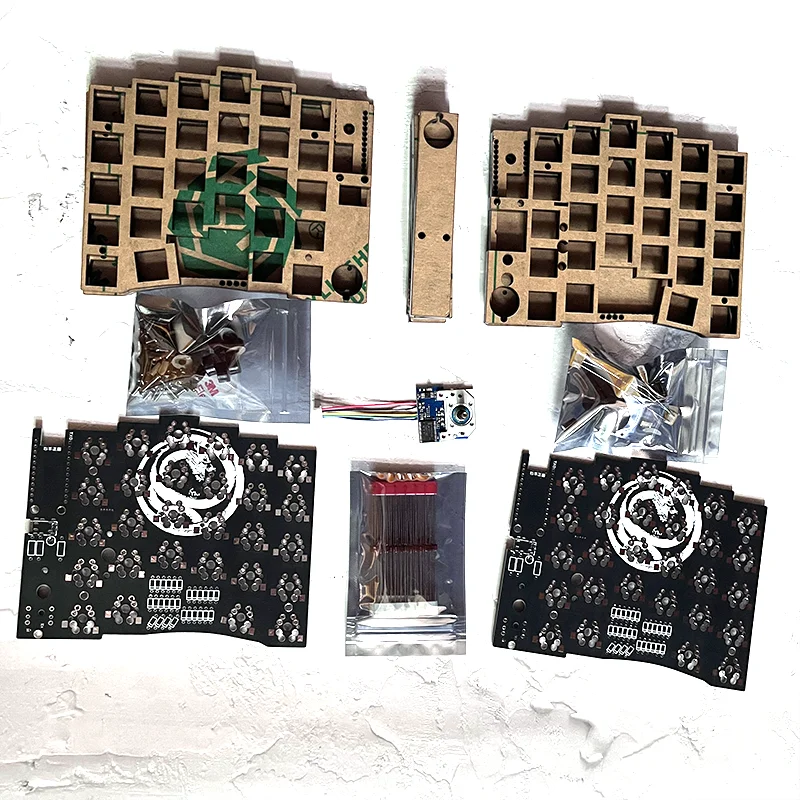
D052pro List:
DO52 left and right hand PCBs each have 1 red dot module, 2 multi-directional switches, 2 small red dot caps, 2 multi-directional switch caps, red dot components, acrylic positioning board, acrylic bottom shell, secondary tube, height pad, anti slip pad, and several screws
D042 Red Dot Version List:
Multi directional switch, small red dot cap, multi-directional switch cap, red dot component, acrylic positioning board DO42, 1 PCB on each hand, red dot module, acrylic bottom shell, secondary tube, height pad, anti slip pad, several screws
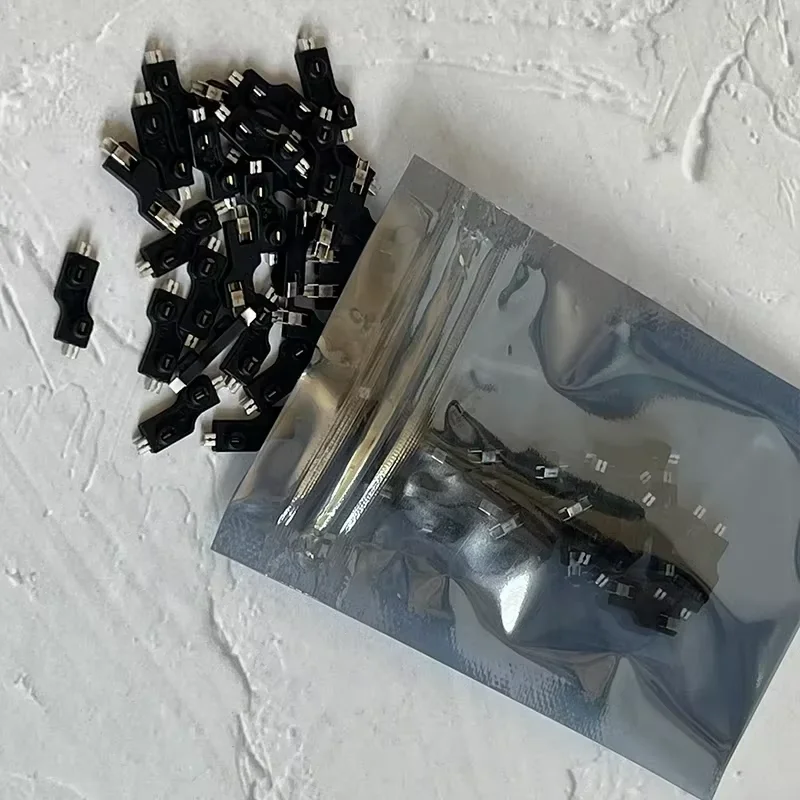
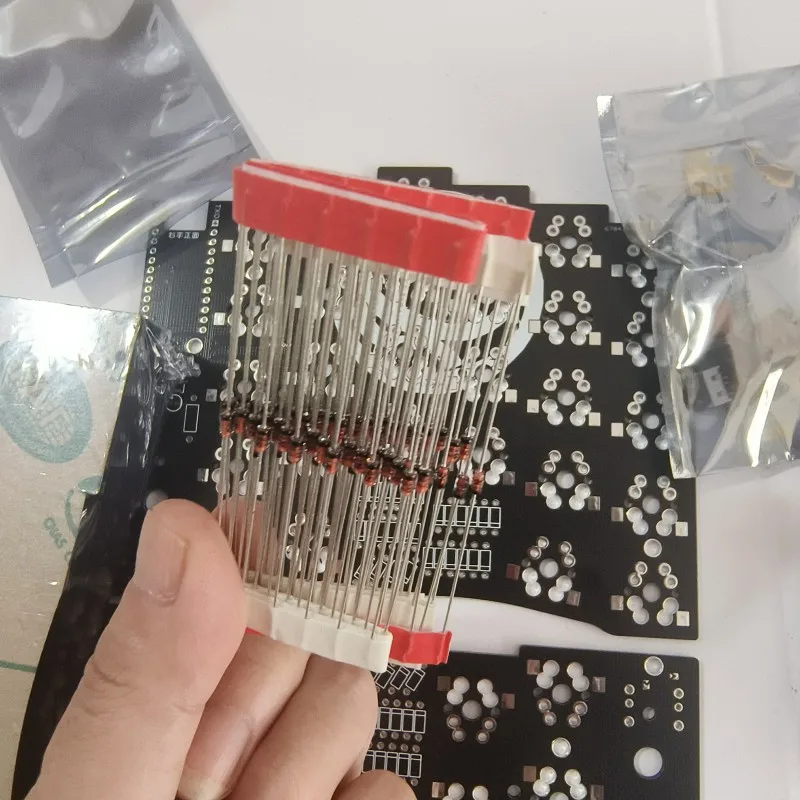
Need to prepare by yourself: welding tools, shaft body, keycaps, shaft seat Pro micro, link line mouse function only ensures mouse pointer movement, mouse left and right center buttons, scroll wheel keys. More functions are not guaranteed
Little Red Dot Welding line information:
https://deskthority.net/wiki/TrackPoint_Hardware#USB_Trackpoint_WZ-T420